Color season
Meet your season
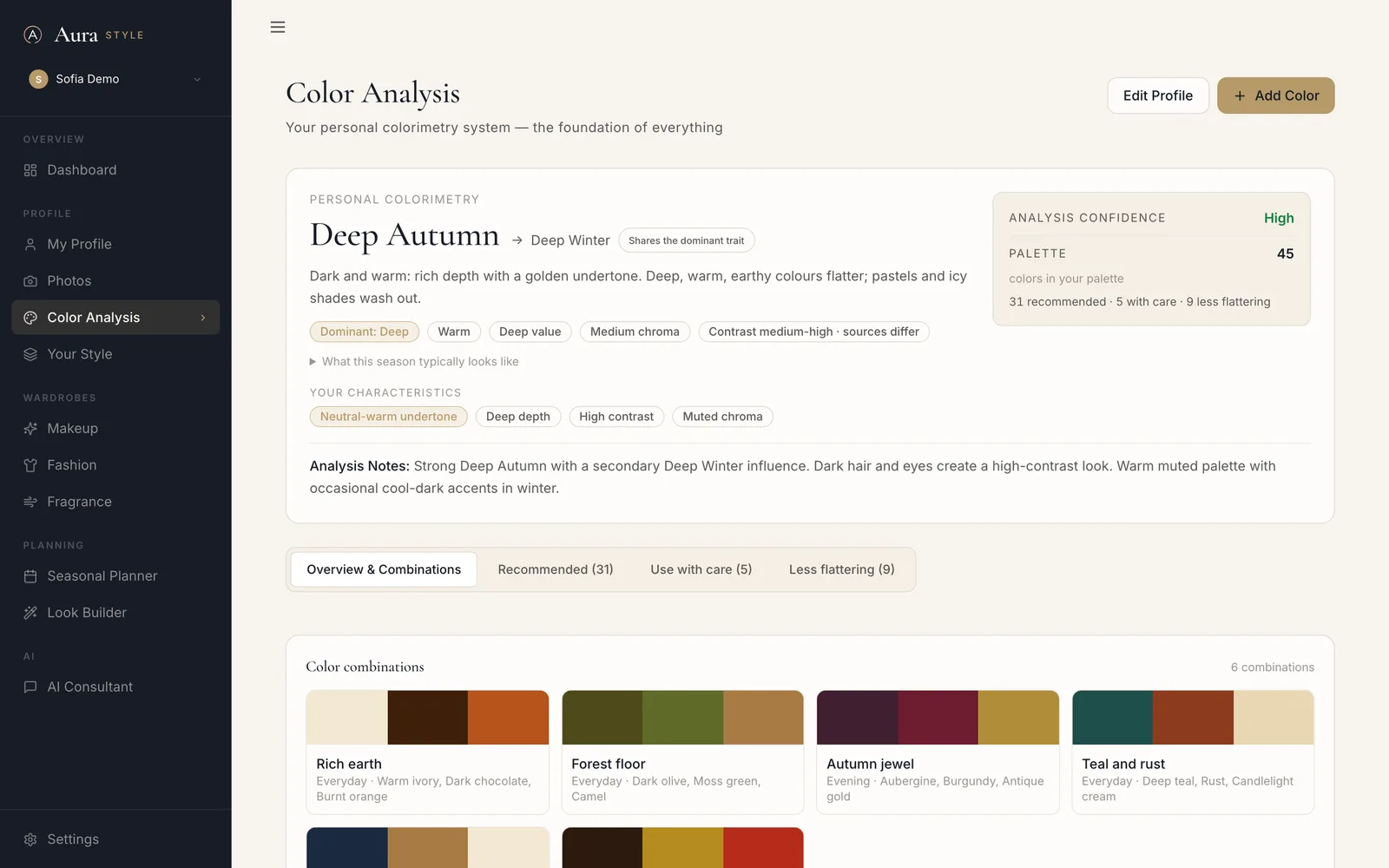
From your photos and a few questions, Aura places you in one of 12 color seasons and gives you a palette of 32 to 49 colors.
For Mac · Private by design
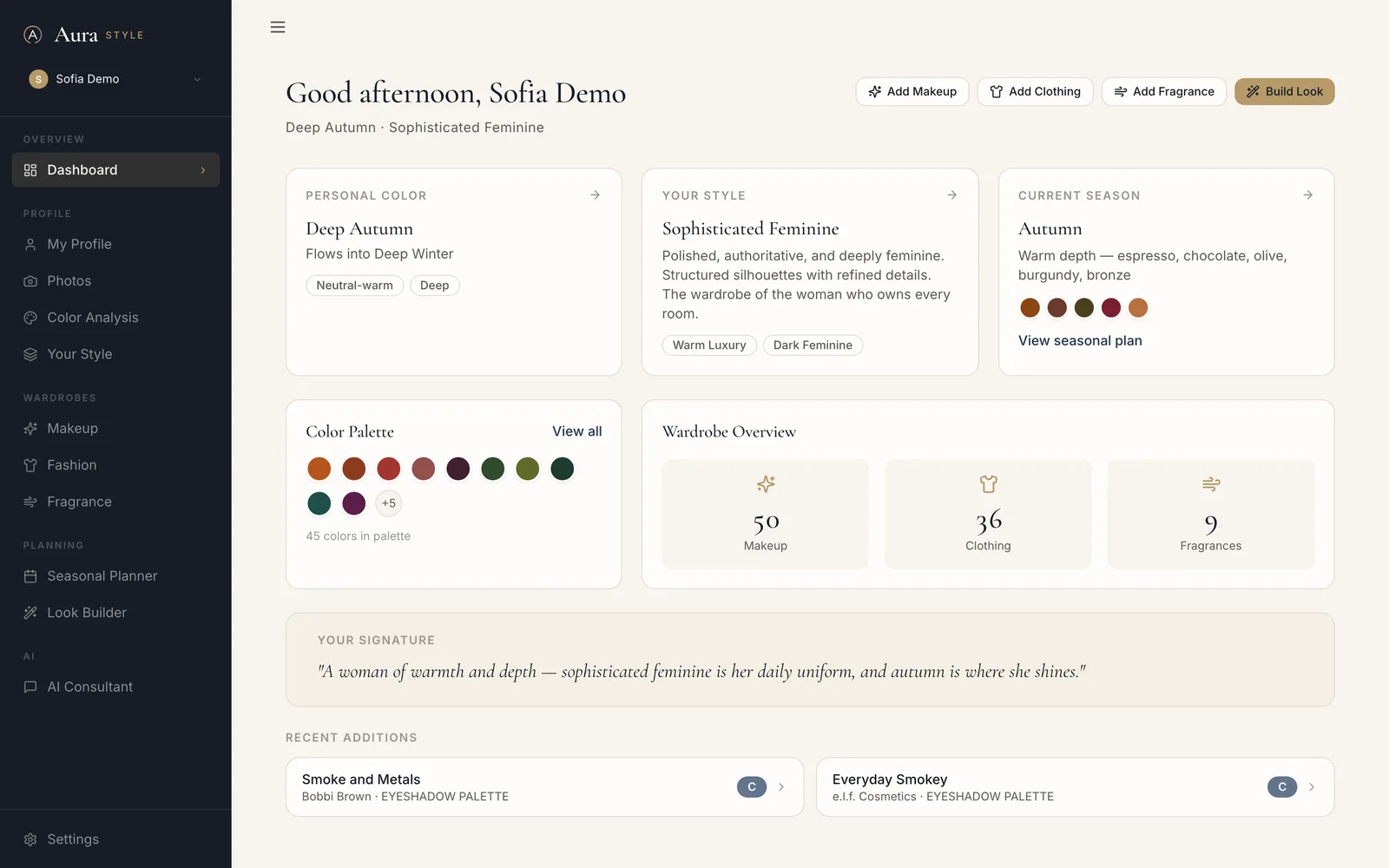
Your personal color season, wardrobe, makeup and fragrance, in one private app for Mac.
No account · Works offline · Private by default
Mac only · macOS 12 or later
What's inside
Color season
From your photos and a few questions, Aura places you in one of 12 color seasons and gives you a palette of 32 to 49 colors.
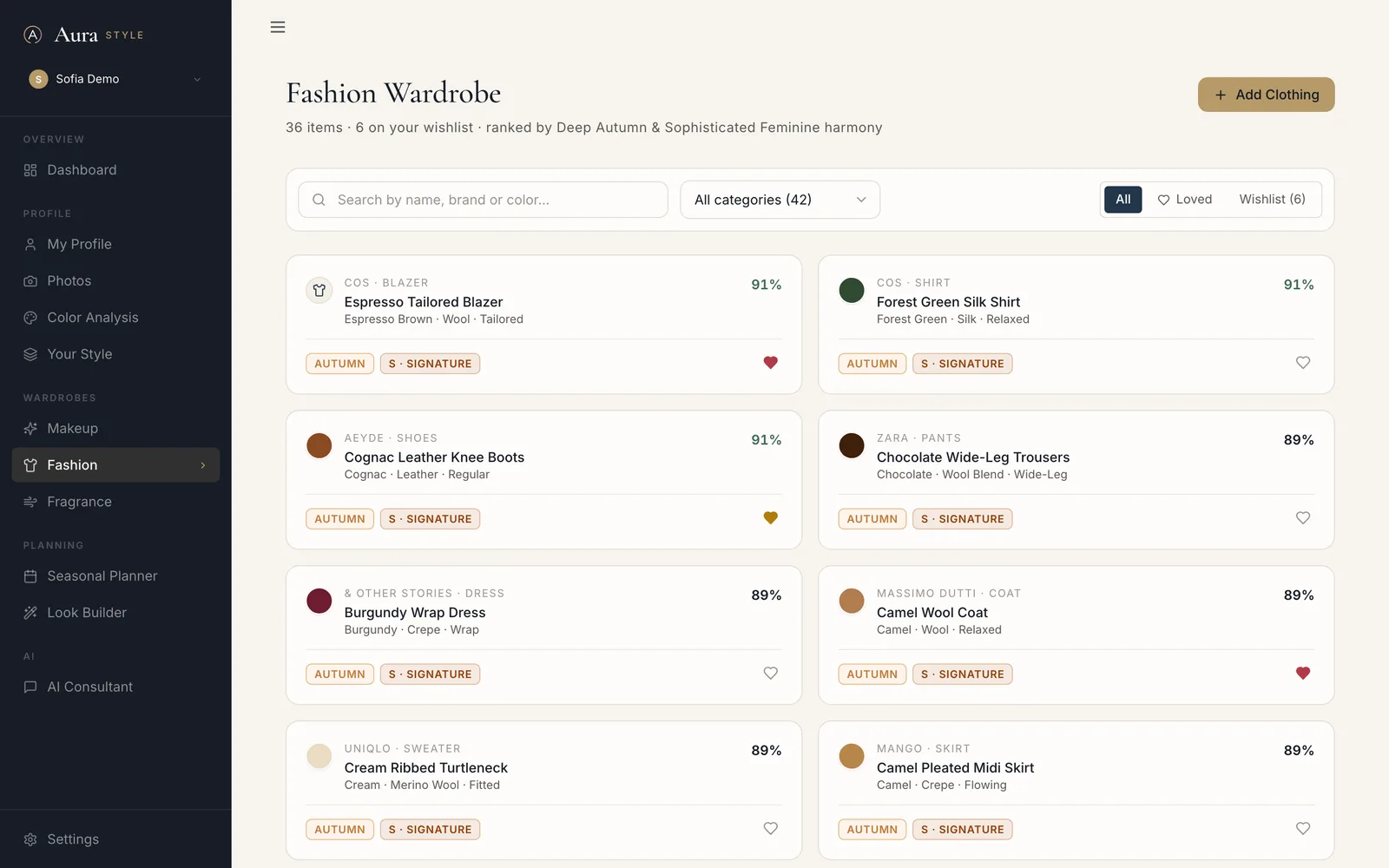
Scored wardrobes
Keep your clothing, makeup and fragrance in one place, each scored against your palette. Know at a glance what to wear and what to leave on the shelf.
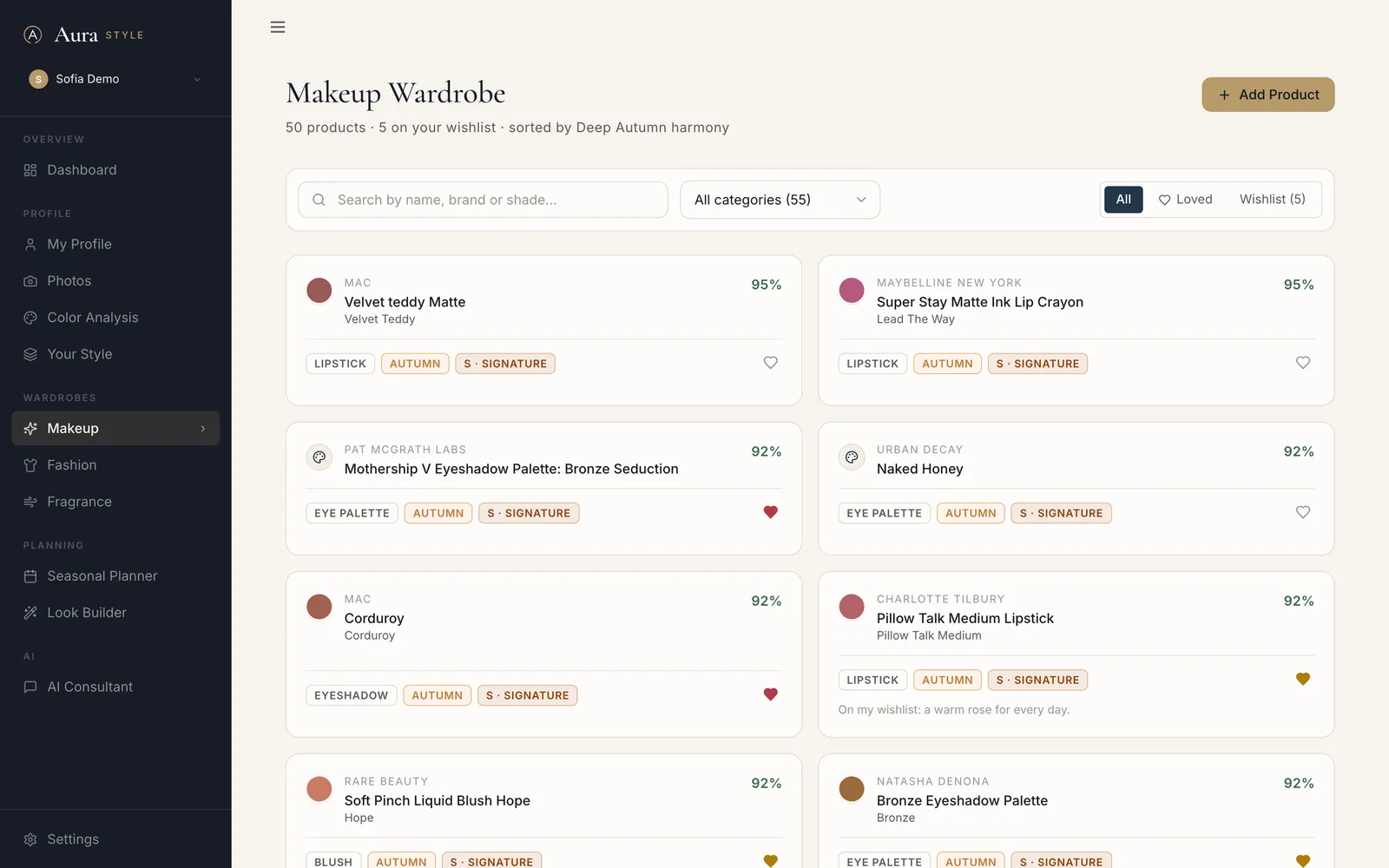
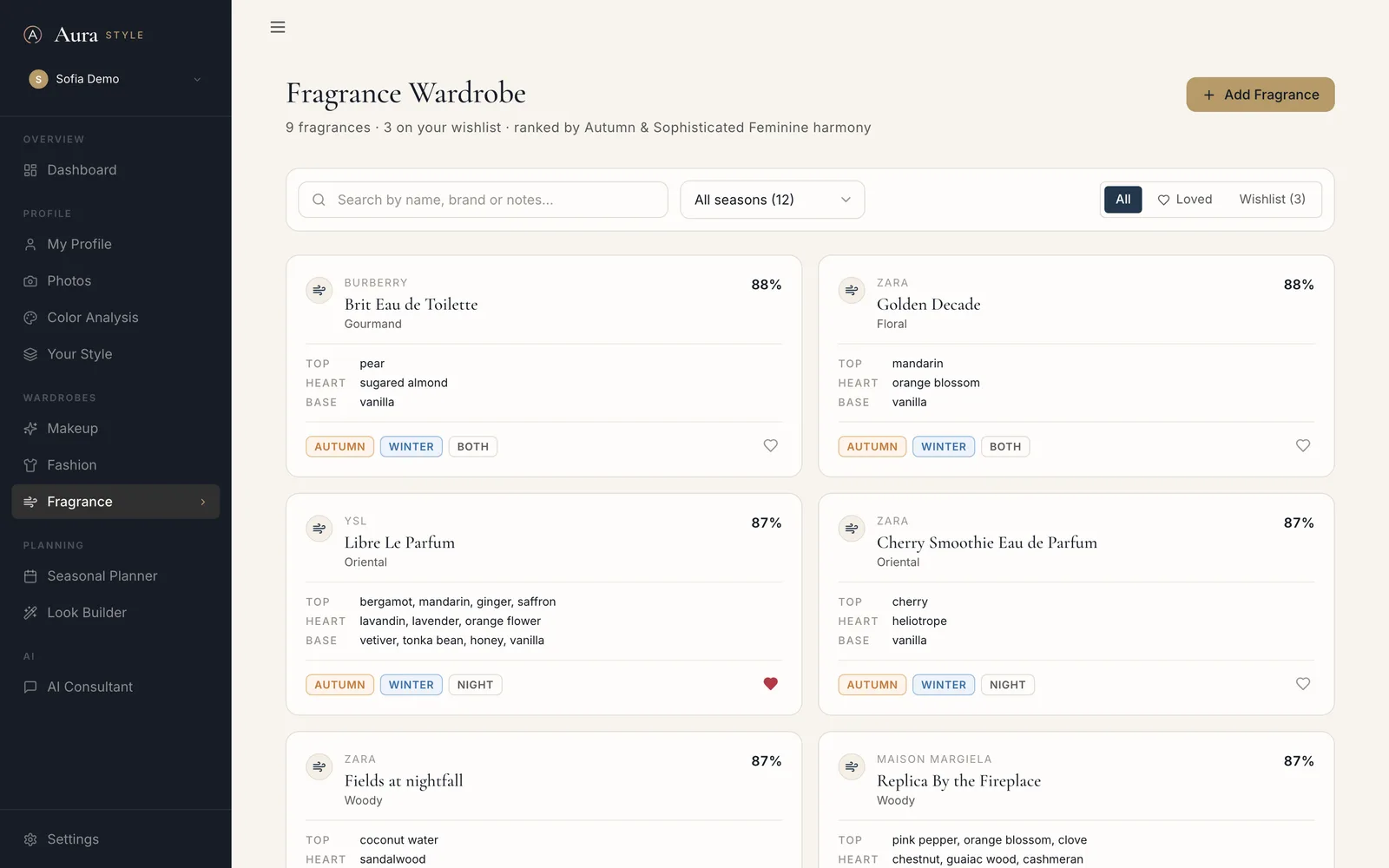
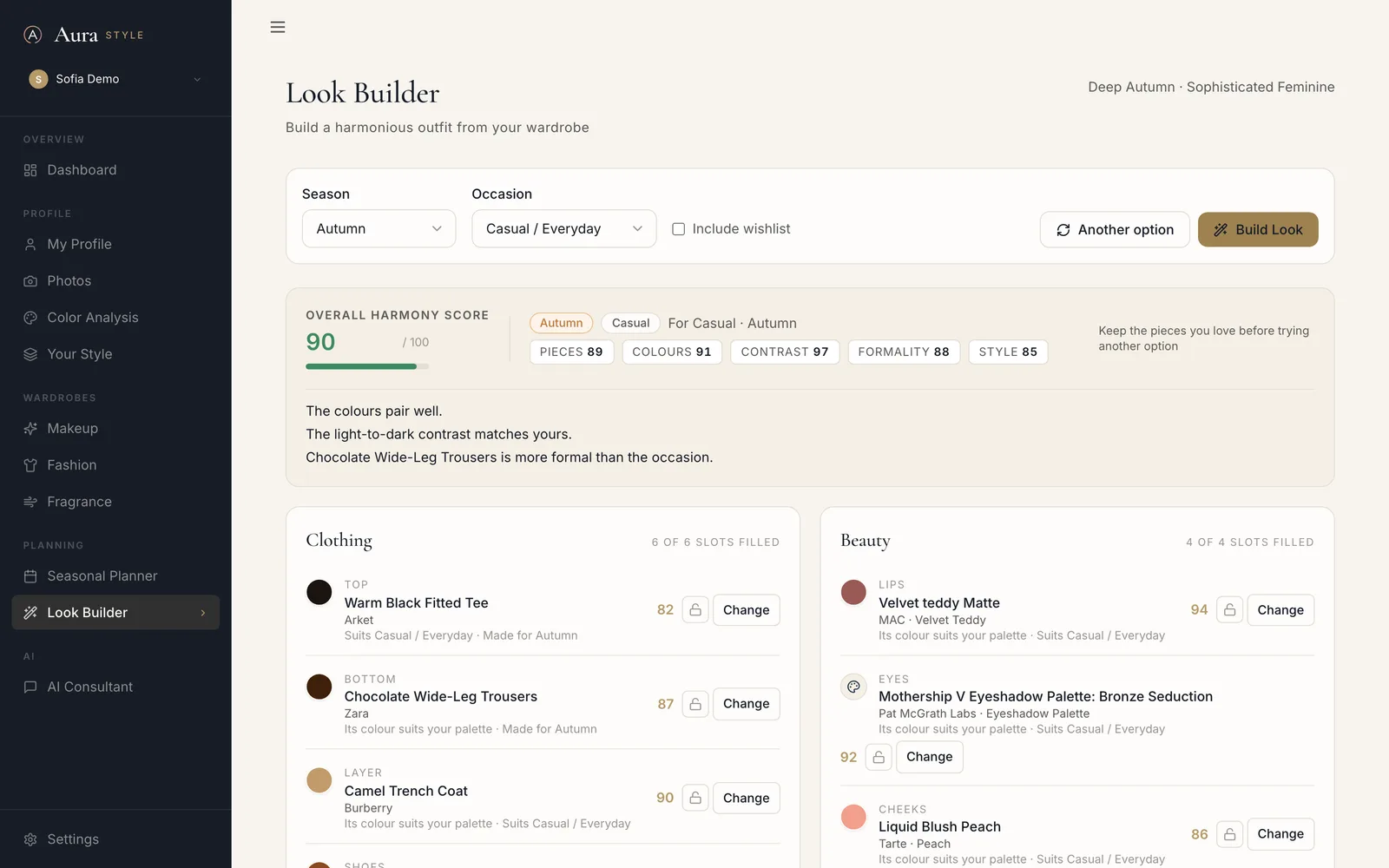
Look Builder
Combine pieces into a look and see how well they work together, rated on 5 harmony criteria.
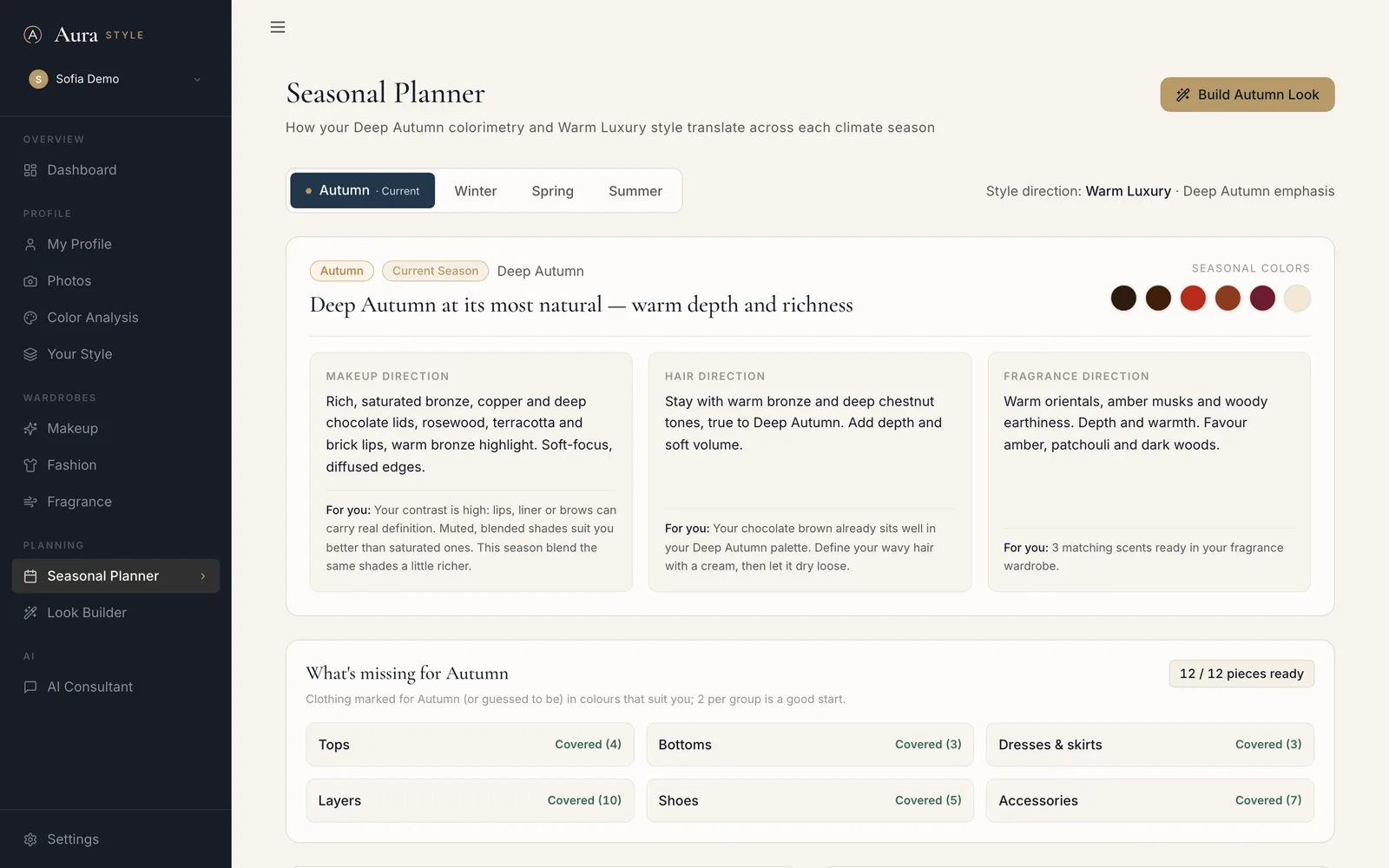
Seasonal Planner
Prepare your looks for spring, summer, autumn and winter, so your wardrobe is ready before the weather changes.
Private by design
Aura was built so you don't have to trust a stranger with your photos.
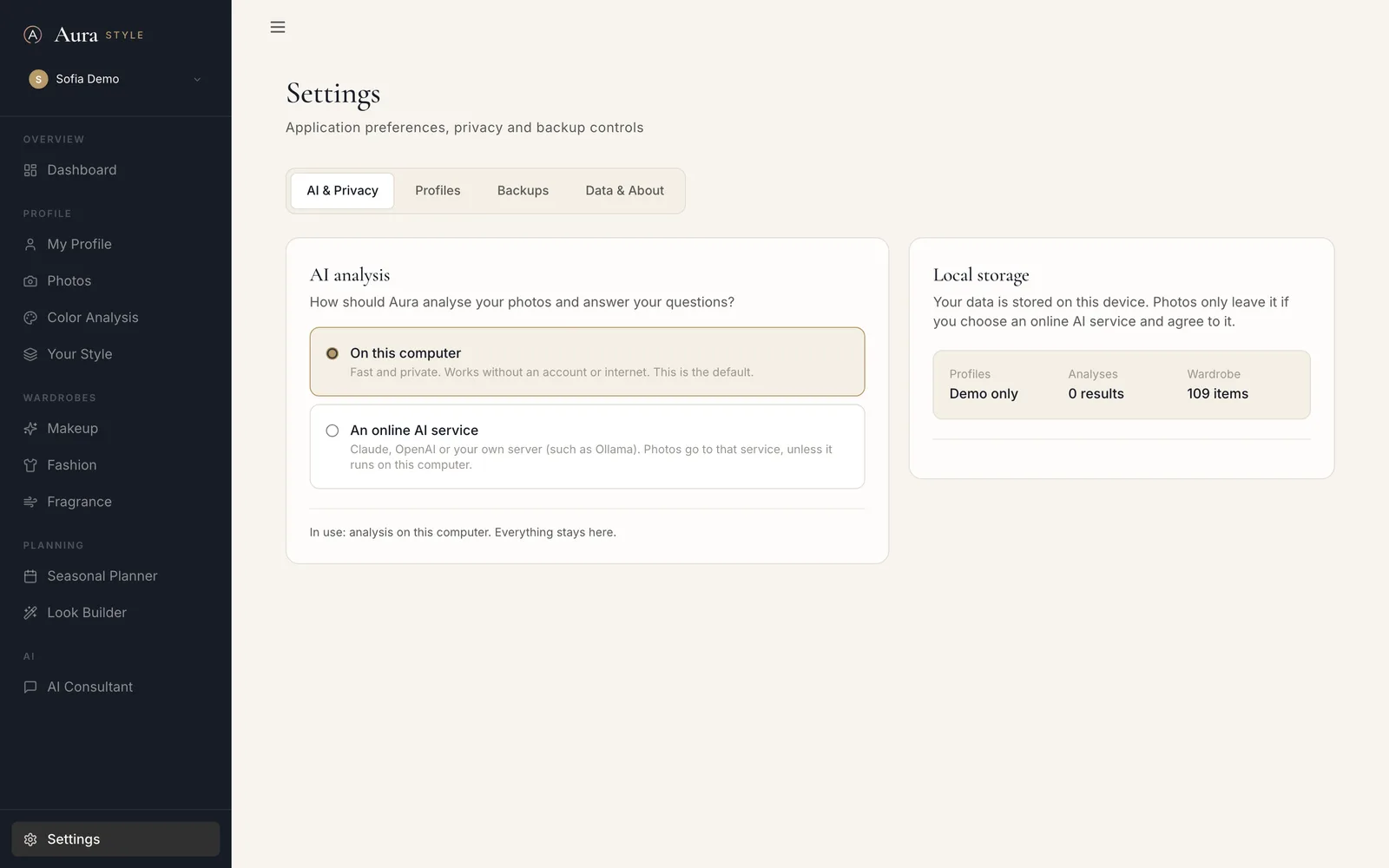
By default, the analysis runs on your Mac. No account and no internet connection needed.
Everything you add is saved on your own computer, in a local database.
Photos only leave your Mac if you pick an online AI service and accept it in the app.
How it works
Add your name and the basics about you.
Choose the photos Aura will look at.
Then Aura runs the analysis.
Your season, your palette and a wardrobe ready to explore.
Questions
No. Aura has no accounts and no sign-up. Download it and start.
Only on your Mac, in a local database. They leave your Mac only if you choose an online AI service and accept it in the app.
Yes. By default the analysis runs on your Mac, with no connection. Online AI services are optional and do need internet.
No. Your result is a guide, not a verdict. You can adjust your profile and run the analysis again whenever you like.
To remove one profile, go to Settings → Profiles → Delete. To remove everything, go to Settings → Data & About → Reset all data.